App
RefBoard - Personal Reference Library
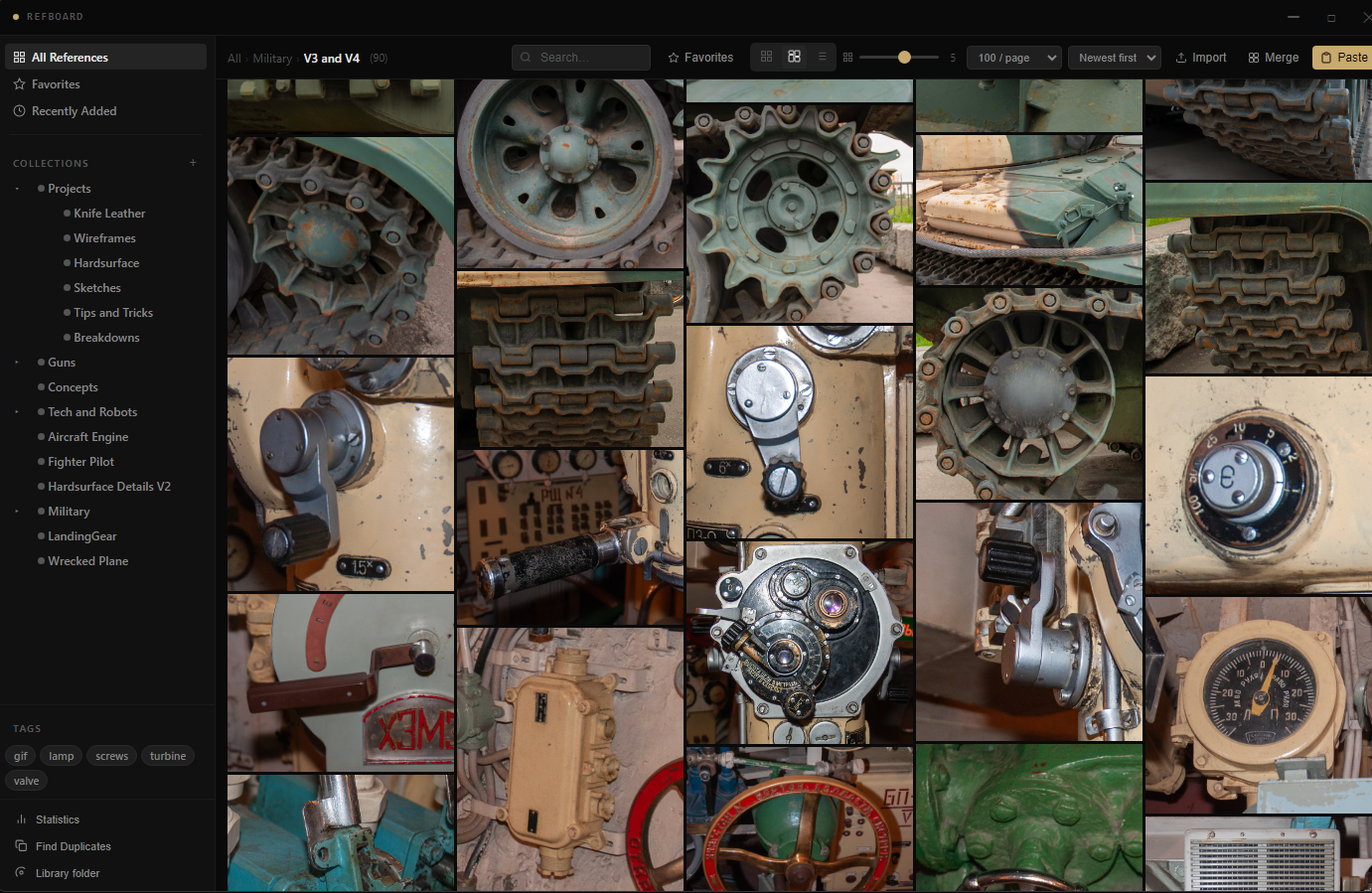
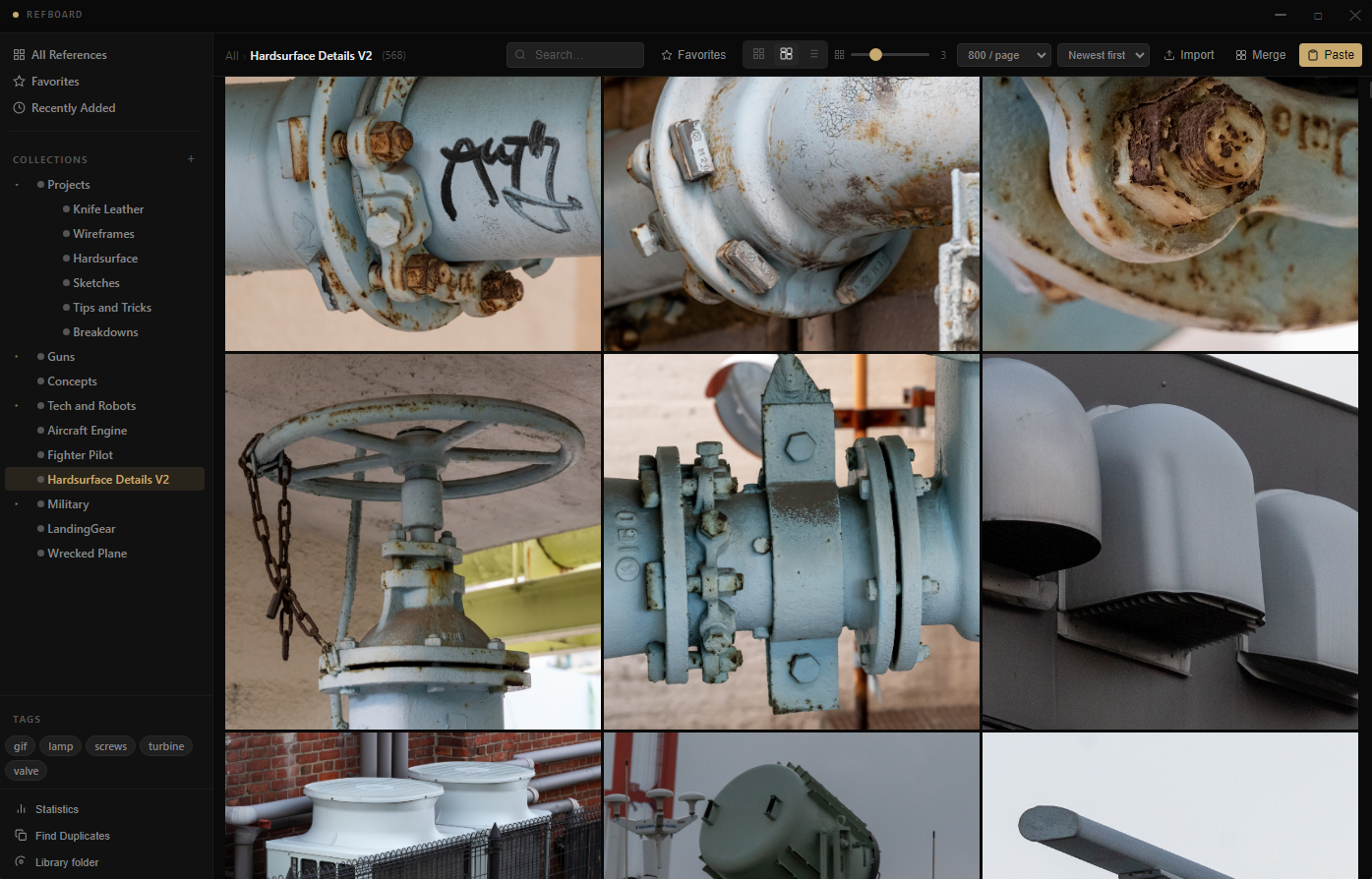
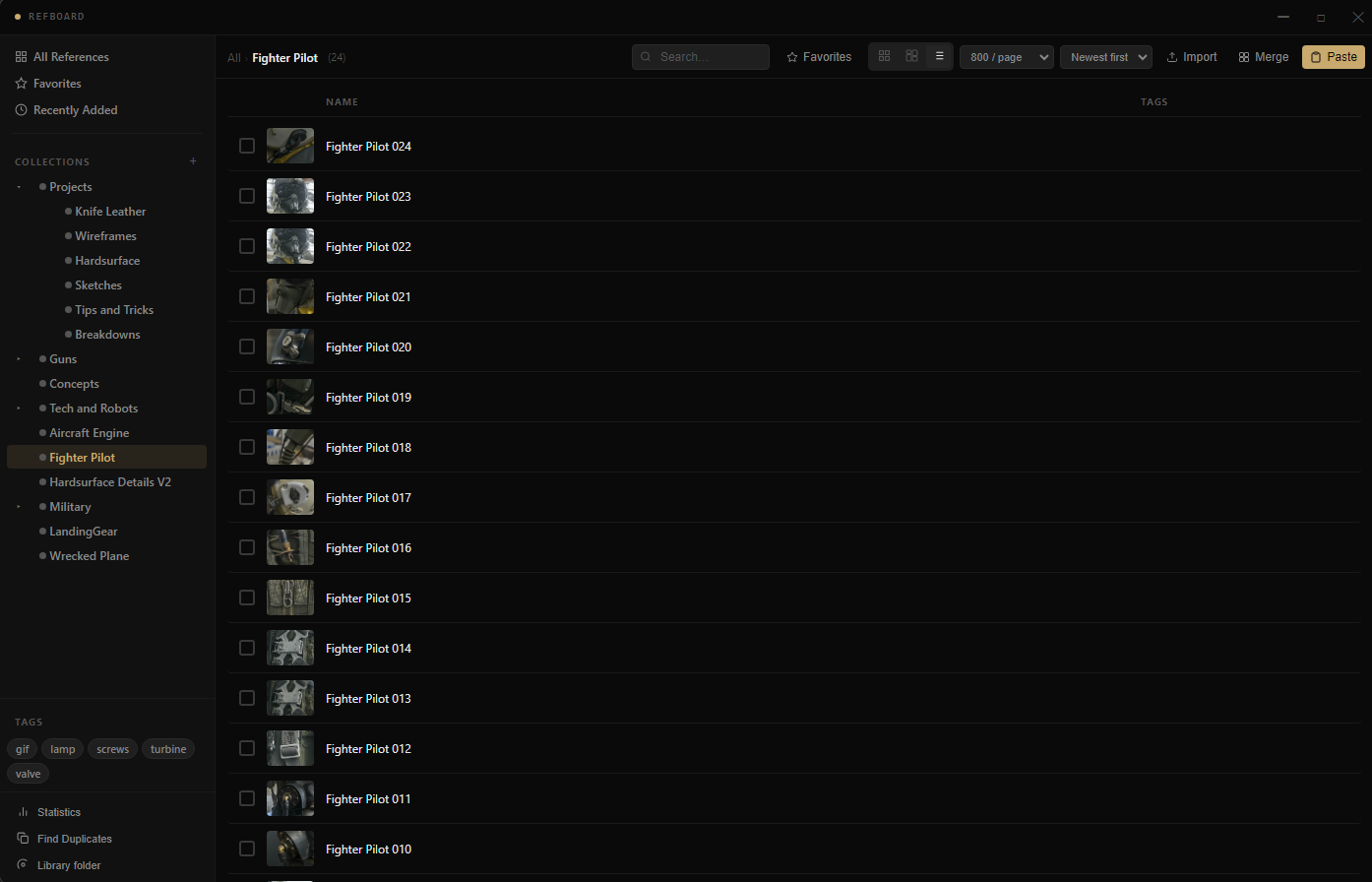
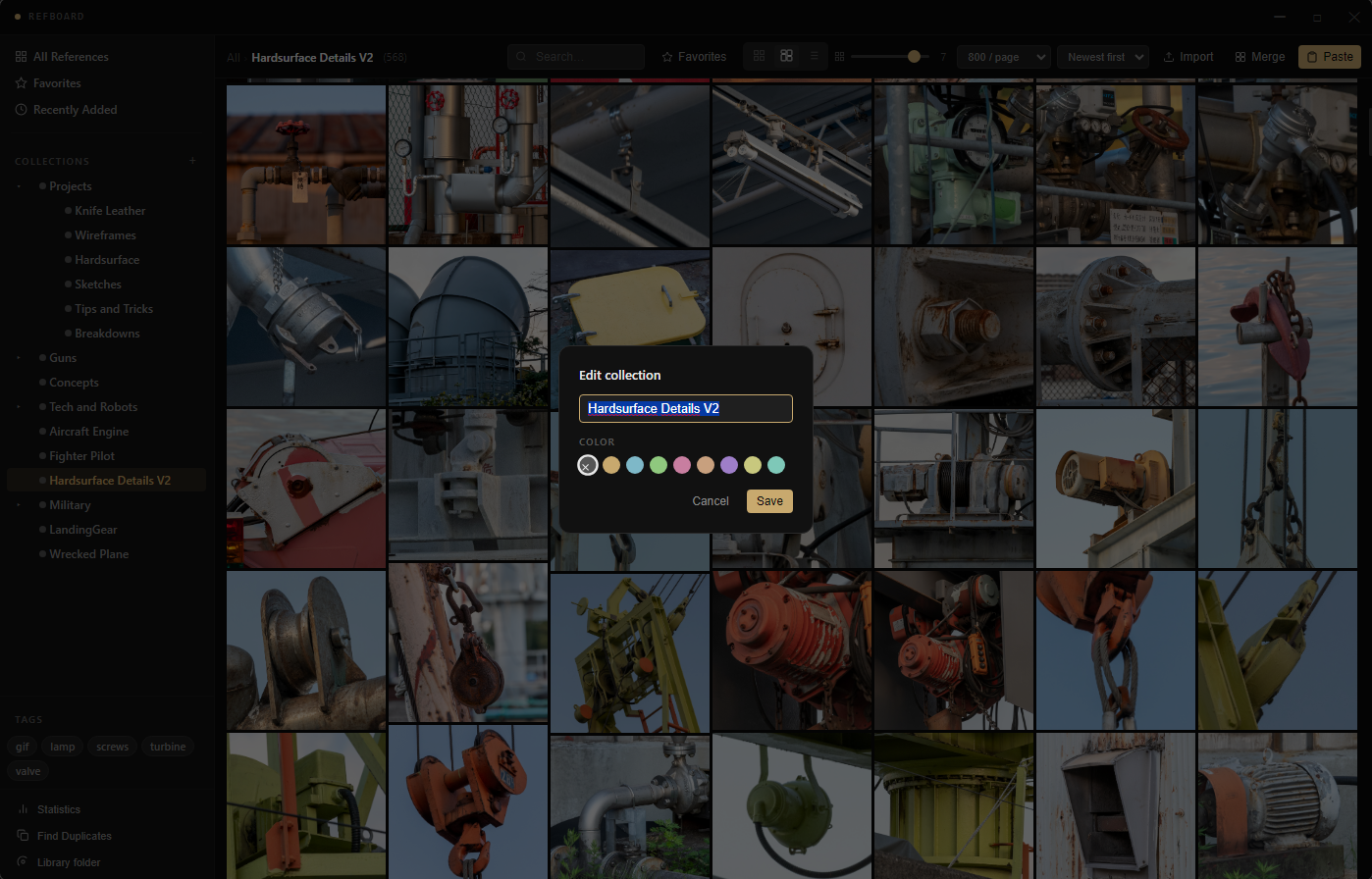
A lightweight desktop application for collecting, organizing, and browsing visual references for 3D design, concept art, and creative work.
App
A lightweight desktop application for collecting, organizing, and browsing visual references for 3D design, concept art, and creative work.
Description
RefBoard is a local-first reference board - think Pinterest or ArtStation boards, but private, offline, and built for artists. You pick a folder on your disk as your library, and everything stays there. No cloud, no accounts, no subscriptions.
Collecting references
Organizing
Browsing
Extras
Requirements
| OS | Windows 10 / 11 (64-bit) |
| RAM | 4 GB minimum, 8 GB recommended for large libraries |
| Disk | ~250 MB for the application · library size depends on your images |
| Internet | Not required - fully offline |